
The Lines Writing Page: A Creative Playground for Every Writer
Writing is no longer limited to plain text documents or rigid word processors. With Lines, you step into a modern, intuitive writing space where storytelling feels alive. The Lines Writing Page is more than just a blank canvas — it’s a block-based editor designed for flexibility, creativity, and ease. Whether you want to draft a screenplay, short story, or a full-length novel, this editor adapts to your needs.
One Page, Endless Possibilities
On the Lines Writing Page, you’re not locked into one style. You can:
- Write a screenplay with acts, dialogue blocks, and stage directions.
- Craft a short story with chapters, scenes, and narrative flow.
- Build a novel with multiple arcs, layered characters, and complex worlds.
Instead of treating all writing the same, Lines gives you the tools to shape your words in the format that suits your vision.
Block-Based Writing: Freedom in Structure
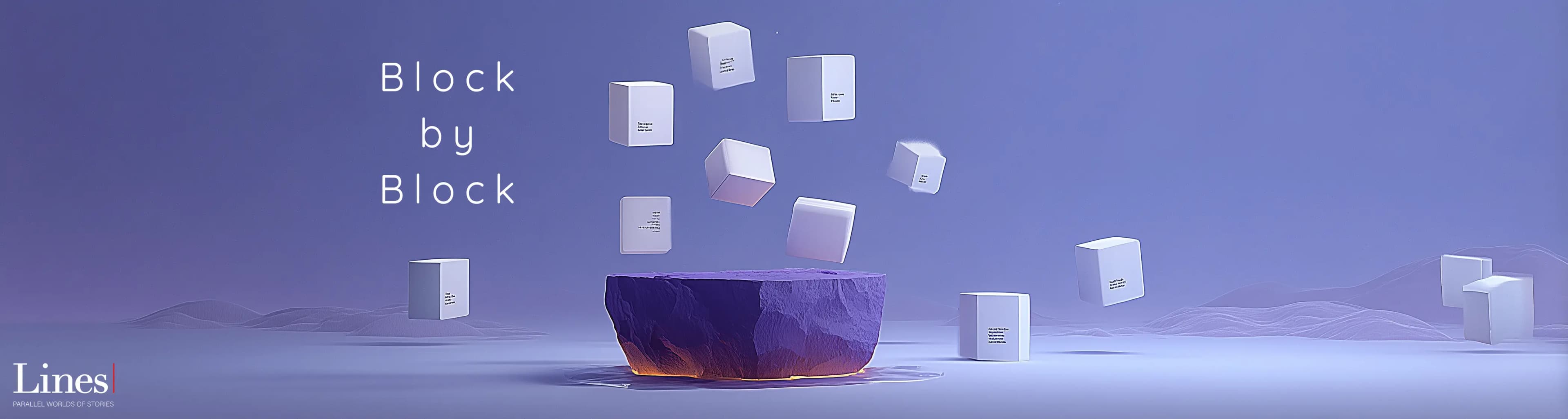
The editor is block-based, meaning you build your story piece by piece. Each paragraph, dialogue, image, or heading is a separate block. This gives you:
- Flexibility: Rearrange sections of your story with ease.
- Focus: Break big projects into smaller, manageable chunks.
- Creativity: Add different block types (text, images, notes, dialogue) depending on your storytelling needs.
This approach removes the fear of the blank page — instead of writing endlessly, you create in digestible, dynamic pieces.
Writer-Friendly Features
The Lines editor is designed with writers in mind. Some of its standout features include:
- Cover Preview & Upload: Add a custom cover to make your work feel complete from day one.
- Story Metadata: Define your title, description, language, license, genres, tags, and age rating in one place.
- Save as Draft: Keep your work safe without publishing before you’re ready.
- Intuitive Navigation: Switch between blocks, sections, and acts with simple clicks.
These features make writing smoother, faster, and more professional.
A Tool for Every Type of Storyteller
No matter your role in the creative process, the Lines Writing Page works for you:
- Screenwriters can structure acts and dialogues with cinematic clarity.
- Novelists can build chapters and story arcs while tracking progress.
- Short Story Writers can quickly draft, edit, and share compact but powerful narratives.
- Experimental Writers can mix media — dialogue, notes, visuals — all in one creative flow.
Frequently Asked Questions (FAQ)
1) What makes the Lines Writing Page different from other editors?
The block-based design lets you structure your work flexibly, whether you’re writing a short story, screenplay, or novel.
2) Can I add a cover to my story?
Yes. You can upload a cover image directly from the editor, making your draft feel more like a finished book.
3) Do I need to set genres and tags right away?
No. You can leave them blank while drafting and add them later when you’re ready to publish.
4) Is the editor only for professional writers?
Not at all. The Lines Writing Page is beginner-friendly but powerful enough for seasoned authors.
5) Can I reorganize my story easily?
Yes. With block-based writing, you can move sections around freely, giving you maximum creative control.
Final Words: Write Without Limits
The Lines Writing Page is a writer’s best companion: simple when you need focus, powerful when you want control. It adapts to your creative process — whether you’re sketching an idea, shaping a story, or polishing a final draft.
With its block-based editor, intuitive features, and creative flexibility, Lines makes writing less about struggle and more about flow. Because every story deserves the right space to grow.